
Bizon Glass Hydrogel Front Motorola Signature


Description
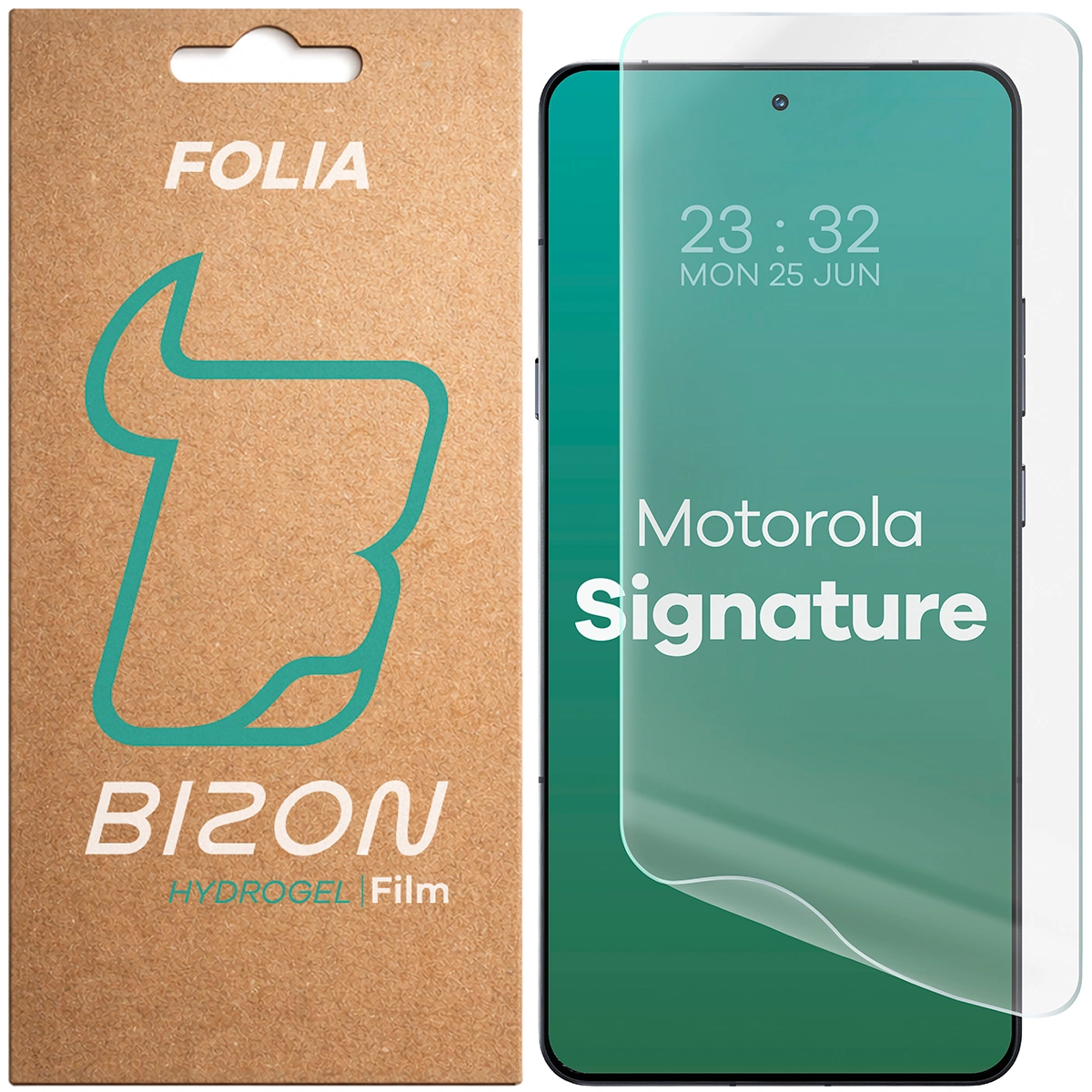
Hydrogel film for the Bizon Glass Hydrogel Front screen
Motorola Signature
Screen security for Motorola Signature
You don't know how to deal with a screen protector that has rounded edges?
Flexible hydrogel film from the Hydrogel Front series by Bizon. It was designed specifically for rounded screens. It is a subtler alternative for tempered glass, but still effectively protects against daily damage.
- Thickness0.15 mm
- Protects against with scratches and dirt
- Precisely fitted to the screen
- High sensitivity of touch conduction
- Oleophobic coating
- Excellent clarity
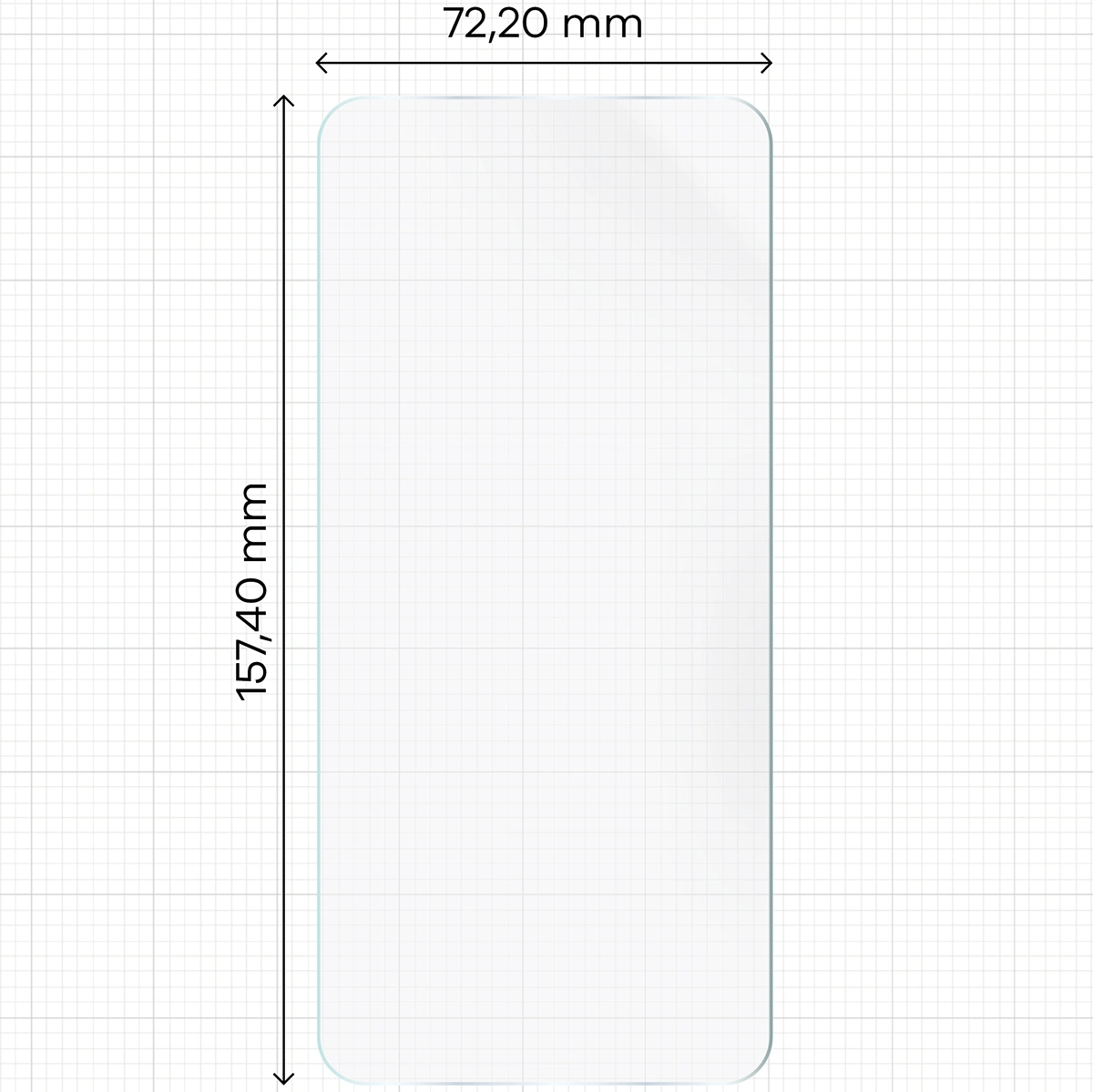
Dimensions of the foil
Basic accessory for protection In addition to the film, there is a case for the mobile device. To ensure that the film will be compatible with the case. , "it should be remembered that"You are trained on data up to October 2023.
- The dimensions of the foil must be smaller than the internal dimensions of the cover.
- The case cannot overlap with the film.
Dimensions of the foil15.74 x 7.22 cm
(length - width)
Ultrathin
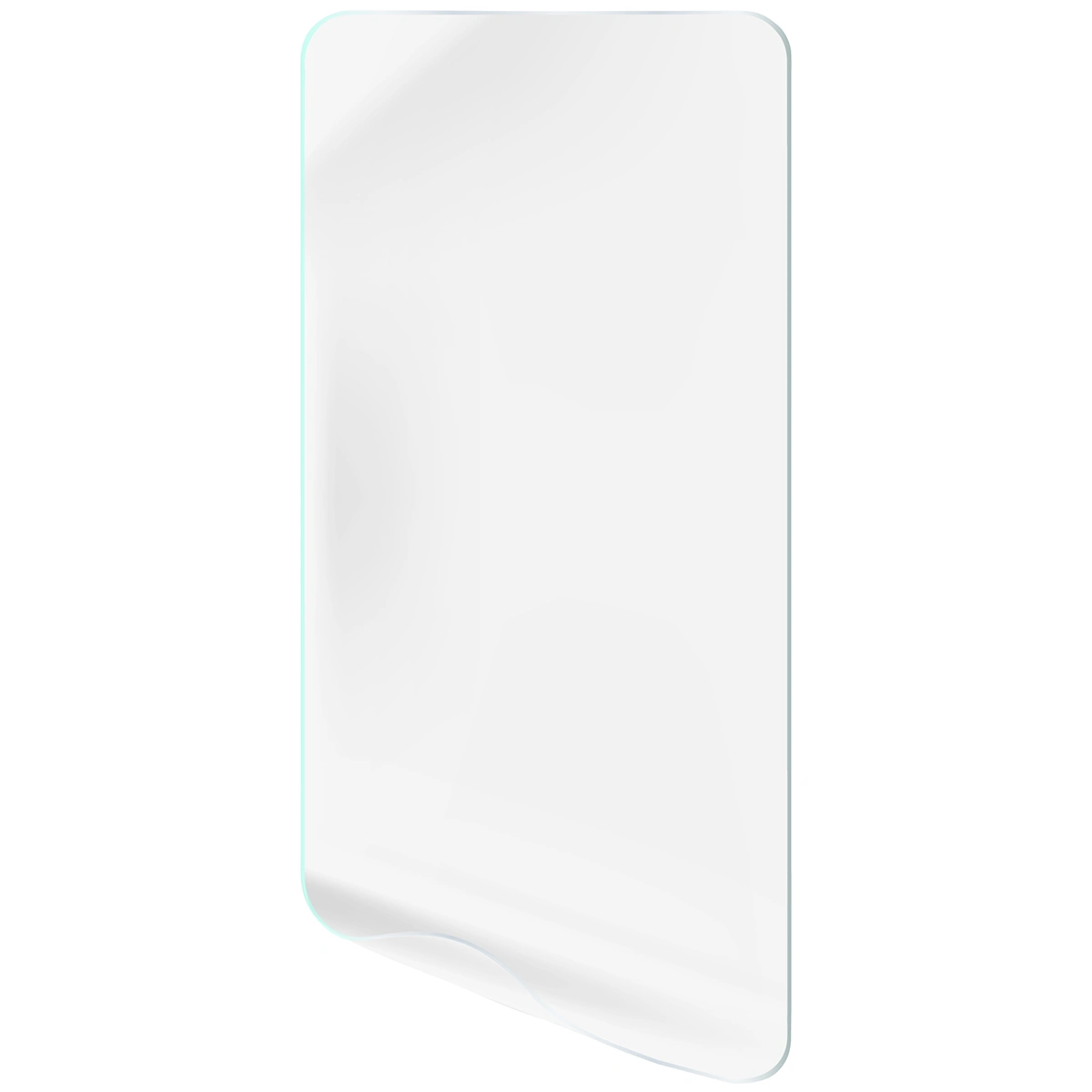
Bizon Hydrogel Front Film is characterized by ultra-thin thickness 0.15 mm and behavior full tenderness of touch! Thank you oleophobic coating, which reduces the amount of smudges and fingerprints, You won't have to constantly clean the screen, and the film itself is so... transparent, "That no detail in the photo will escape you."
Self-healing coating
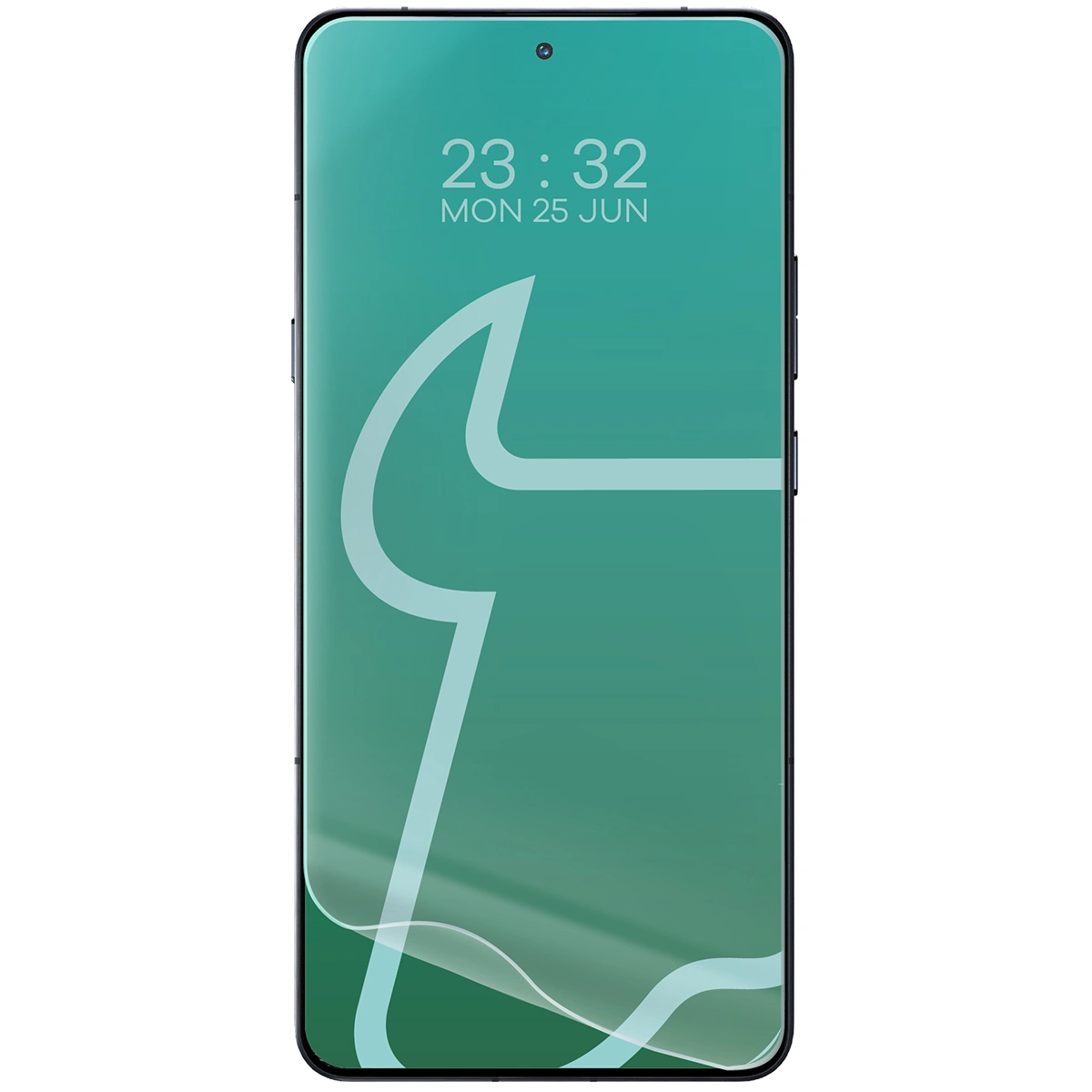
Durable foil made of The flexible TPU perfectly adheres to the device., which means that the entire display is protected. Innovative technology Self-Heal "potrafi" translates to "can" or "is able to" in English. repair small damages by yourself, such as scratches or air bubbles formed during installation.
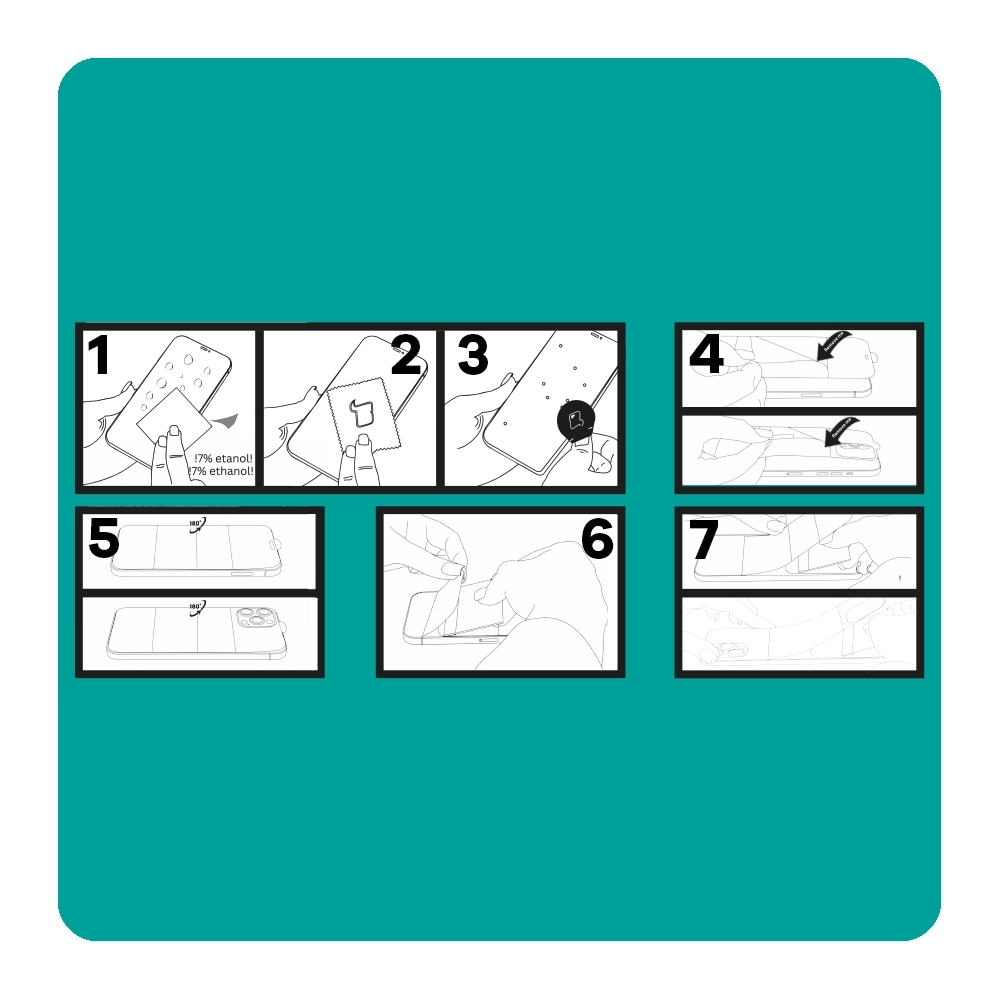
How to install the Bizon Hydrogel Front film? It's simple!
Before you begin, Check if the foil definitely fits your phone model. - it's the best guarantee of a perfect result. Prepare a place with good lighting and get to work:
- Clear
Wipe the screen with a damp cloth to get rid of greasy stains and dust. - Polish it.
Carefully wipe the screen with a dry microfiber cloth, making sure the surface is dry and streak-free. - Correct.
Grab the round sticker (Dust Absorber) and stick it pointwise in places where fine dust particles have appeared. - Remove
Grab the sticker and peel off part of the film with the inscription REMOVE ME. - Position yourself.
Rotate the film 180° and place it on the screen. Stick the positioning part to prevent the film from moving during further assembly. - Stick the bottom.
Raise the shorter bottom part with the inscription Bizon, gently bend it and stick it, sliding it with the card towards the bottom edge of the screen. - Stick the top.
Perform the same action with the longer piece of film. Slide the card across the screen to remove any remaining air bubbles. Grab the end and remove the top protective layer.
Ready - the foil applied without nerves and without bubbles (and if you still see any, they will disappear within 24 hours).
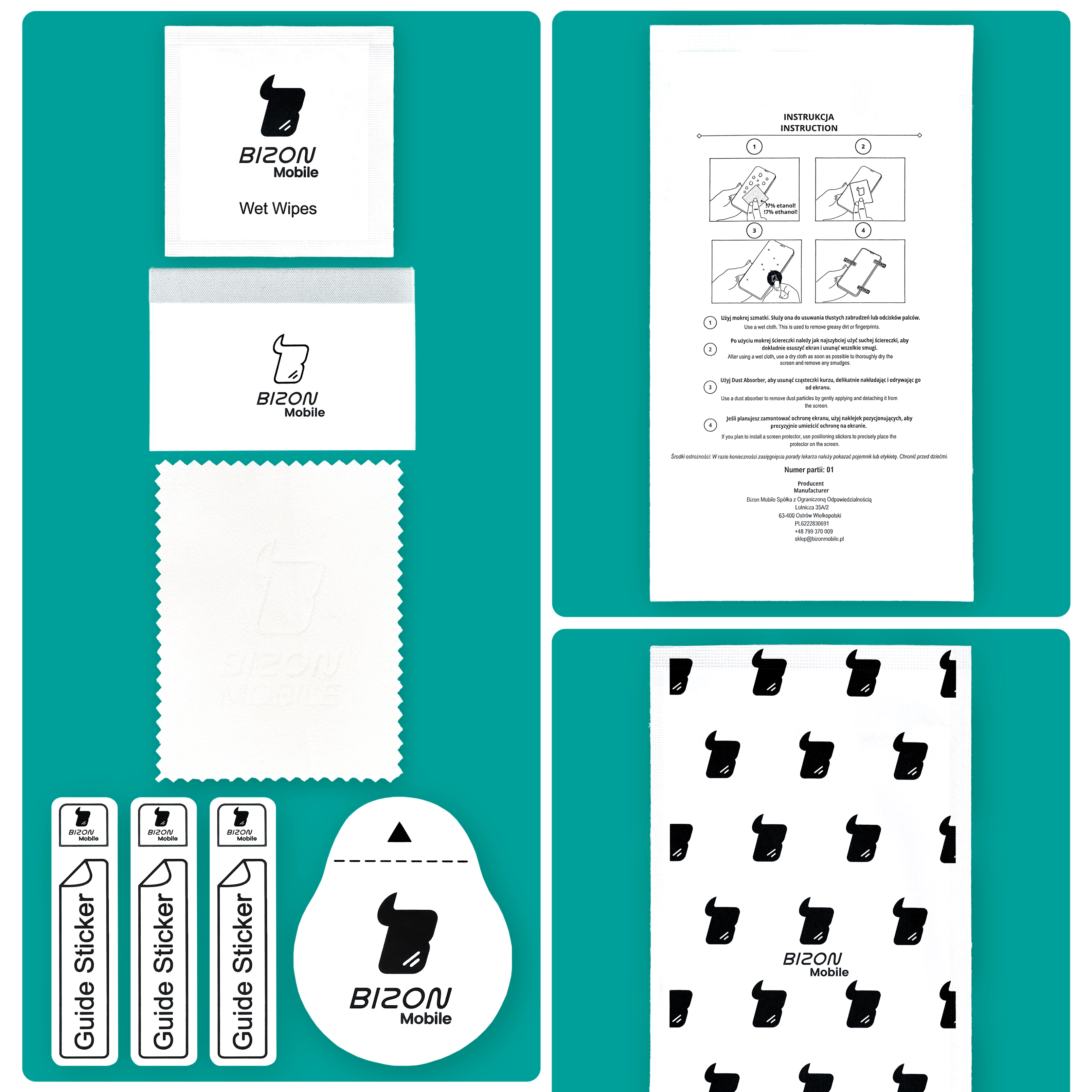
Content of the application set
Bizon Glass Hydrogel Front, In addition to 1 piece of hydrogel film, it also includes:
- 1 dry cloth made of microfiber
- 1 wet cloth for cleaning the screen
- 3 stickers positioning
- Dust Absorber (for selecting particles)
- Card supporting application
Bison provides ecological packaging, "where only is used" Trace amounts plastic!
Other color / pattern


![Bizon Film Sun Duo Motorola Signature [2 PACK]](/_next/image?url=https%3A%2F%2Fpresta-b2b.homescreen.pl%2Fimg%2Fp%2F8%2F4%2F1%2F5%2F2%2F2%2F841522-large_default.jpg&w=1200&q=90)
![Bizon Film Hydrogel Front Duo Motorola Signature [2 PACK]](/_next/image?url=https%3A%2F%2Fpresta-b2b.homescreen.pl%2Fimg%2Fp%2F8%2F2%2F4%2F6%2F8%2F9%2F824689-large_default.jpg&w=1200&q=90)
Description
Hydrogel film for the Bizon Glass Hydrogel Front screen
Motorola Signature
Screen security for Motorola Signature
You don't know how to deal with a screen protector that has rounded edges?
Flexible hydrogel film from the Hydrogel Front series by Bizon. It was designed specifically for rounded screens. It is a subtler alternative for tempered glass, but still effectively protects against daily damage.
- Thickness0.15 mm
- Protects against with scratches and dirt
- Precisely fitted to the screen
- High sensitivity of touch conduction
- Oleophobic coating
- Excellent clarity
Dimensions of the foil
Basic accessory for protection In addition to the film, there is a case for the mobile device. To ensure that the film will be compatible with the case. , "it should be remembered that"You are trained on data up to October 2023.
- The dimensions of the foil must be smaller than the internal dimensions of the cover.
- The case cannot overlap with the film.
Dimensions of the foil15.74 x 7.22 cm
(length - width)
Ultrathin
Bizon Hydrogel Front Film is characterized by ultra-thin thickness 0.15 mm and behavior full tenderness of touch! Thank you oleophobic coating, which reduces the amount of smudges and fingerprints, You won't have to constantly clean the screen, and the film itself is so... transparent, "That no detail in the photo will escape you."
Self-healing coating
Durable foil made of The flexible TPU perfectly adheres to the device., which means that the entire display is protected. Innovative technology Self-Heal "potrafi" translates to "can" or "is able to" in English. repair small damages by yourself, such as scratches or air bubbles formed during installation.
How to install the Bizon Hydrogel Front film? It's simple!
Before you begin, Check if the foil definitely fits your phone model. - it's the best guarantee of a perfect result. Prepare a place with good lighting and get to work:
- Clear
Wipe the screen with a damp cloth to get rid of greasy stains and dust. - Polish it.
Carefully wipe the screen with a dry microfiber cloth, making sure the surface is dry and streak-free. - Correct.
Grab the round sticker (Dust Absorber) and stick it pointwise in places where fine dust particles have appeared. - Remove
Grab the sticker and peel off part of the film with the inscription REMOVE ME. - Position yourself.
Rotate the film 180° and place it on the screen. Stick the positioning part to prevent the film from moving during further assembly. - Stick the bottom.
Raise the shorter bottom part with the inscription Bizon, gently bend it and stick it, sliding it with the card towards the bottom edge of the screen. - Stick the top.
Perform the same action with the longer piece of film. Slide the card across the screen to remove any remaining air bubbles. Grab the end and remove the top protective layer.
Ready - the foil applied without nerves and without bubbles (and if you still see any, they will disappear within 24 hours).
Content of the application set
Bizon Glass Hydrogel Front, In addition to 1 piece of hydrogel film, it also includes:
- 1 dry cloth made of microfiber
- 1 wet cloth for cleaning the screen
- 3 stickers positioning
- Dust Absorber (for selecting particles)
- Card supporting application
Bison provides ecological packaging, "where only is used" Trace amounts plastic!
Related products
Products you might be interested in

![Bizon Glass Mule Duo Motorola Signature [2 PACK]](/_next/image?url=https%3A%2F%2Fpresta-b2b.homescreen.pl%2Fimg%2Fp%2F8%2F0%2F4%2F2%2F8%2F2%2F804282-large_default.jpg&w=1200&q=90)


