
Blitzwolf BW-CML2 Monitor Light Bar RGB


Description
RGB Lamp for Monitor
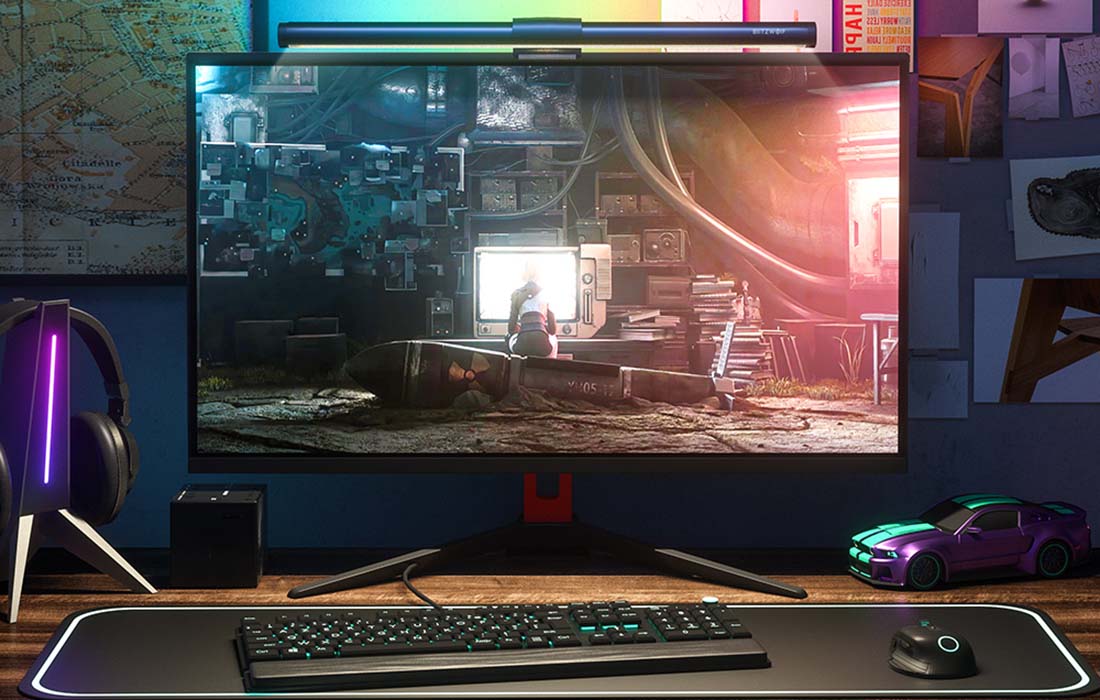
RGB lamp for the BlitzWolf monitor brings a completely new atmosphere to your gaming sessions and enhances work comfort. It has the ability to adjust the color temperature in the range of 2700K-6500K and also allows for brightness adjustment.
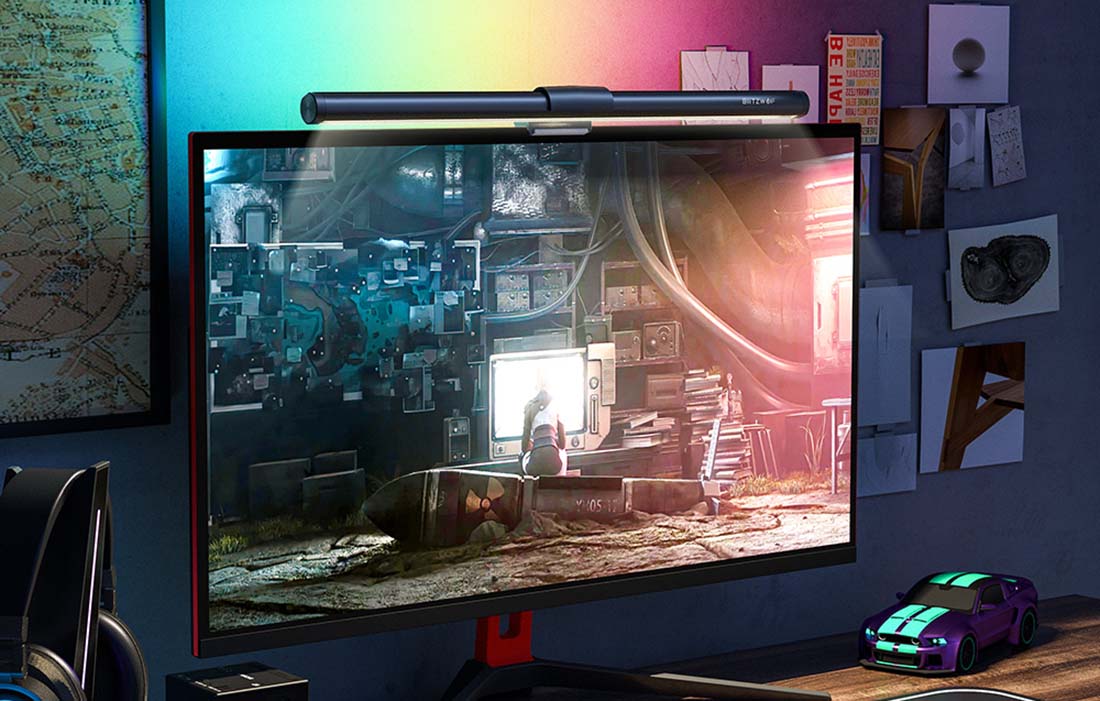
Match the Color to Your Needs
The lamp has 15 lighting modes, allowing you to perfectly tailor it to your needs and create a true gaming atmosphere in your home.
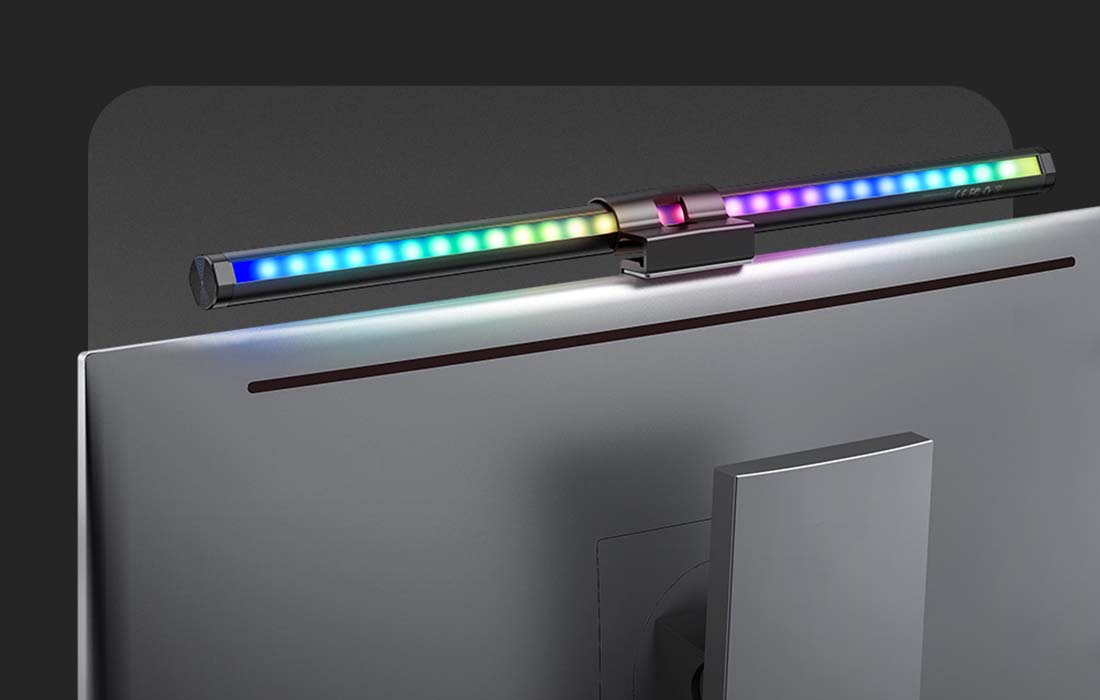
Adjust Color Temperature and Brightness
You can control the color temperature in the range of 2700K-6500K, as well as the brightness. Cold light is best for work, warm light for relaxation, and mixed light for reading. Choose what suits you best depending on the situation.
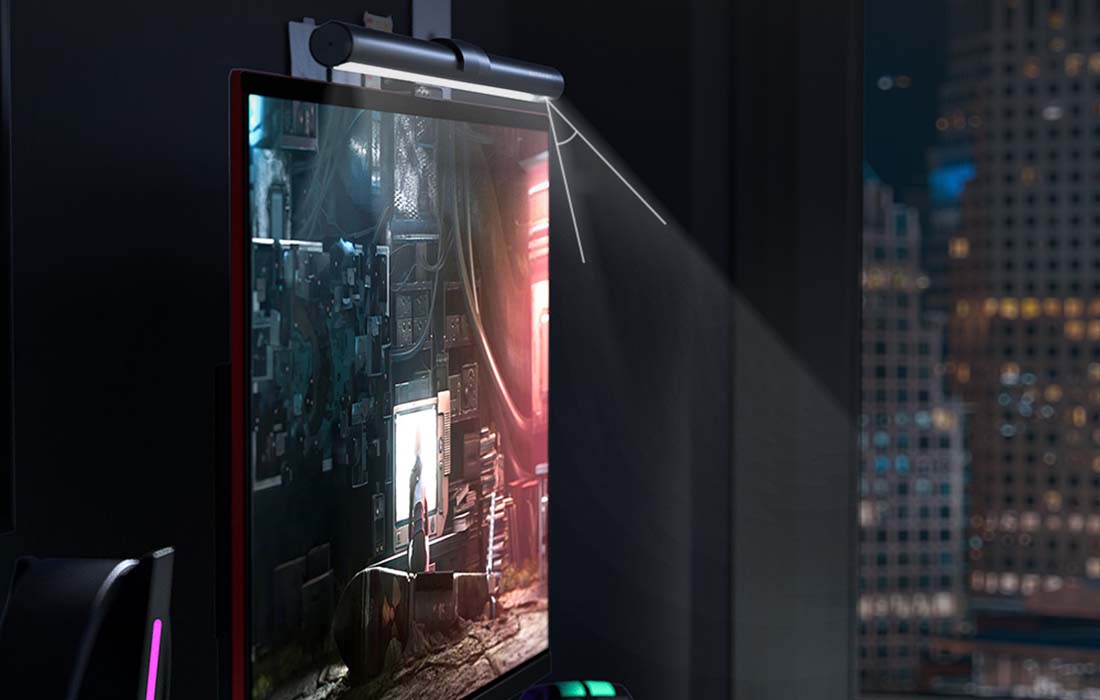
Excellent Design
The lamp features a specially designed structure that ensures the light falls in such a way as to reduce flicker from the monitor and eliminate glare. This helps reduce eye strain, allowing you to work longer and more comfortably.

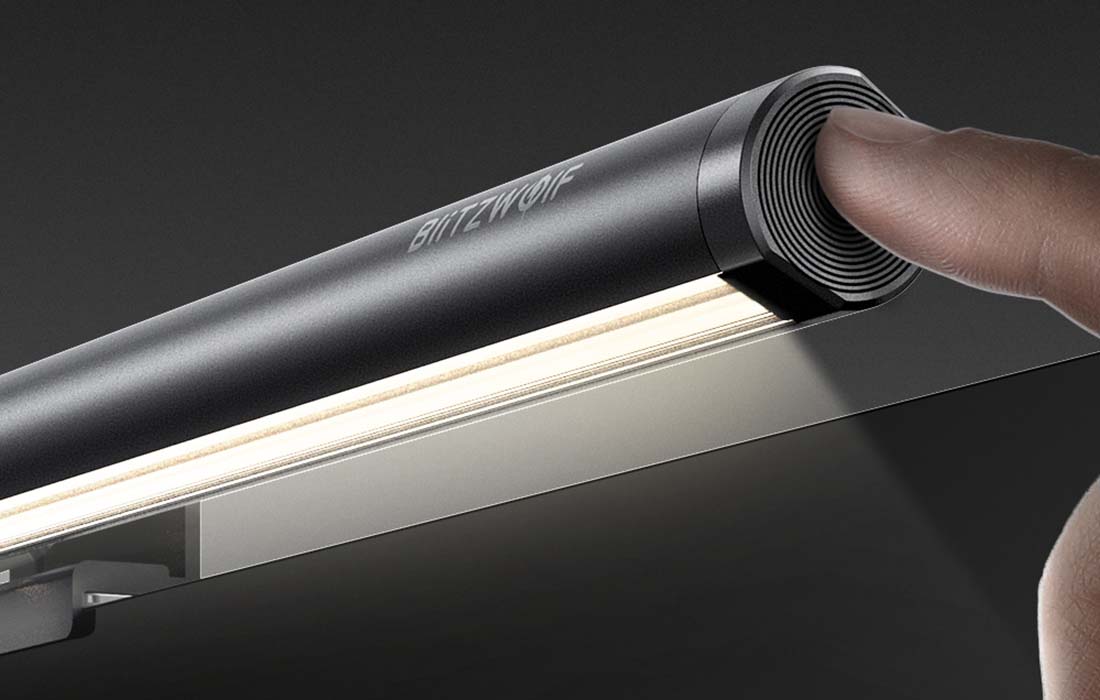
Touch Control
You can control the lamp using the touch panel:
Single touch: turn on the lamp
Double touch: turn off the lamp
Short press: adjust brightness
Long press: adjust color temperature
Short touch: turn on RGB / 15 modes
Long press: turn off RGB
Easy and Quick Installation
You can install the lamp easily and quickly. It is perfect for monitors with a thickness of 15-25mm.
- Install the lamp on a screen with a thickness of 15-25mm. Clean the monitor's surface.
- Peel off the adhesive backing and stick the plate in the center of the monitor. (The side must face the monitor)
- Thread one end of the USB cable through the bottom of the bracket. Adjust the plate.
Specifications
| Model | BW-CML2 |
|---|---|
| Power | 7.5W |
| Dimensions | 2x460mm |
| Brightness | 300Lux-1000Lux |
| CRI | Ra>85 |
| Input | DC 5V/2A |
| Operating Temperature Range | -10°C ~ 45°C |
| Color Temperature | 2700K-6500K |
| LED Light Source | 2835 diodes |
Description
RGB Lamp for Monitor
RGB lamp for the BlitzWolf monitor brings a completely new atmosphere to your gaming sessions and enhances work comfort. It has the ability to adjust the color temperature in the range of 2700K-6500K and also allows for brightness adjustment.
Match the Color to Your Needs
The lamp has 15 lighting modes, allowing you to perfectly tailor it to your needs and create a true gaming atmosphere in your home.
Adjust Color Temperature and Brightness
You can control the color temperature in the range of 2700K-6500K, as well as the brightness. Cold light is best for work, warm light for relaxation, and mixed light for reading. Choose what suits you best depending on the situation.
Excellent Design
The lamp features a specially designed structure that ensures the light falls in such a way as to reduce flicker from the monitor and eliminate glare. This helps reduce eye strain, allowing you to work longer and more comfortably.
Touch Control
You can control the lamp using the touch panel:
Single touch: turn on the lamp
Double touch: turn off the lamp
Short press: adjust brightness
Long press: adjust color temperature
Short touch: turn on RGB / 15 modes
Long press: turn off RGB
Easy and Quick Installation
You can install the lamp easily and quickly. It is perfect for monitors with a thickness of 15-25mm.
- Install the lamp on a screen with a thickness of 15-25mm. Clean the monitor's surface.
- Peel off the adhesive backing and stick the plate in the center of the monitor. (The side must face the monitor)
- Thread one end of the USB cable through the bottom of the bracket. Adjust the plate.
Specifications
| Model | BW-CML2 |
|---|---|
| Power | 7.5W |
| Dimensions | 2x460mm |
| Brightness | 300Lux-1000Lux |
| CRI | Ra>85 |
| Input | DC 5V/2A |
| Operating Temperature Range | -10°C ~ 45°C |
| Color Temperature | 2700K-6500K |
| LED Light Source | 2835 diodes |


