
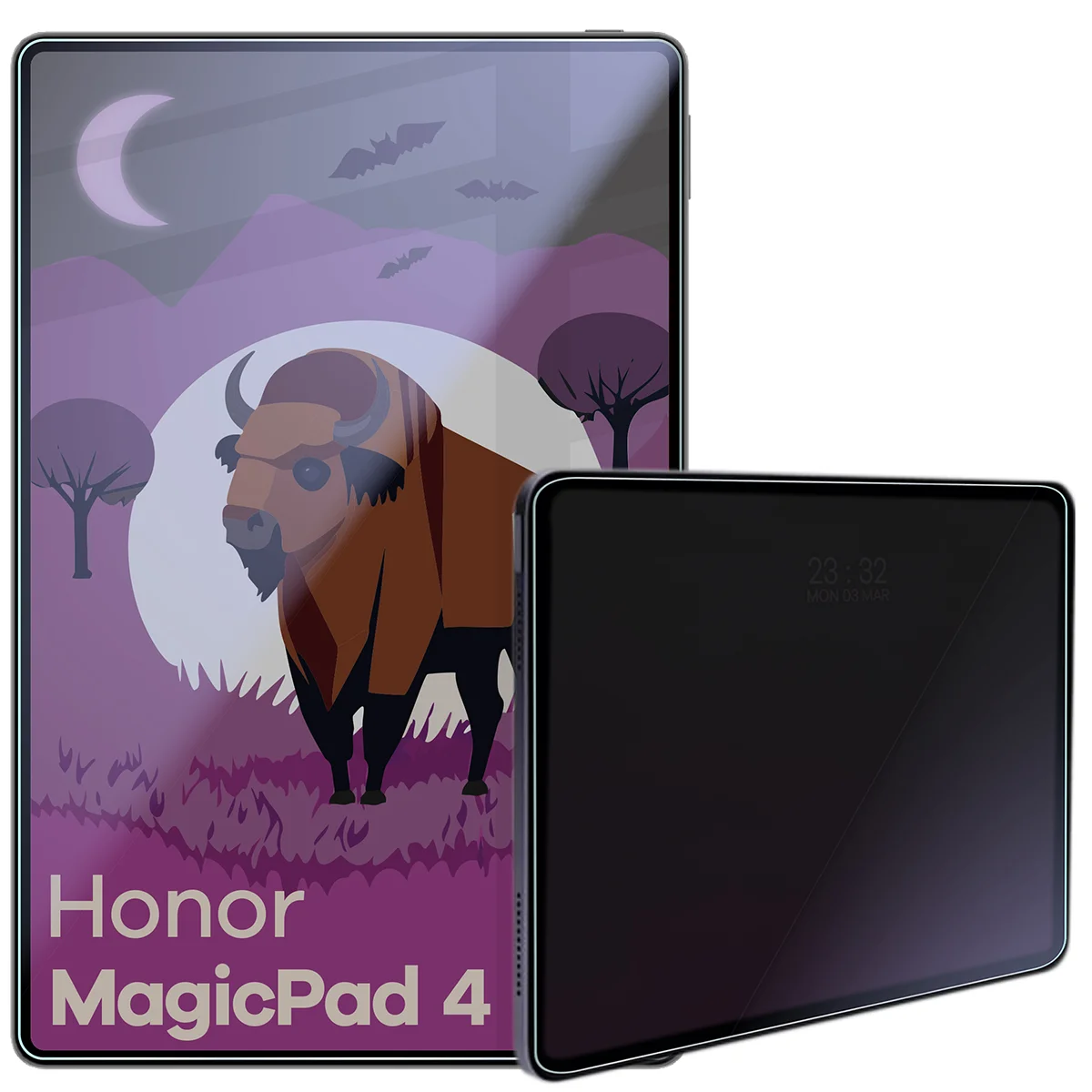
Bizon Tab Hybrid Shadow Honor MagicPad 4, matte


Description
Bison Tab Hybrid Shadow Privacy Glass
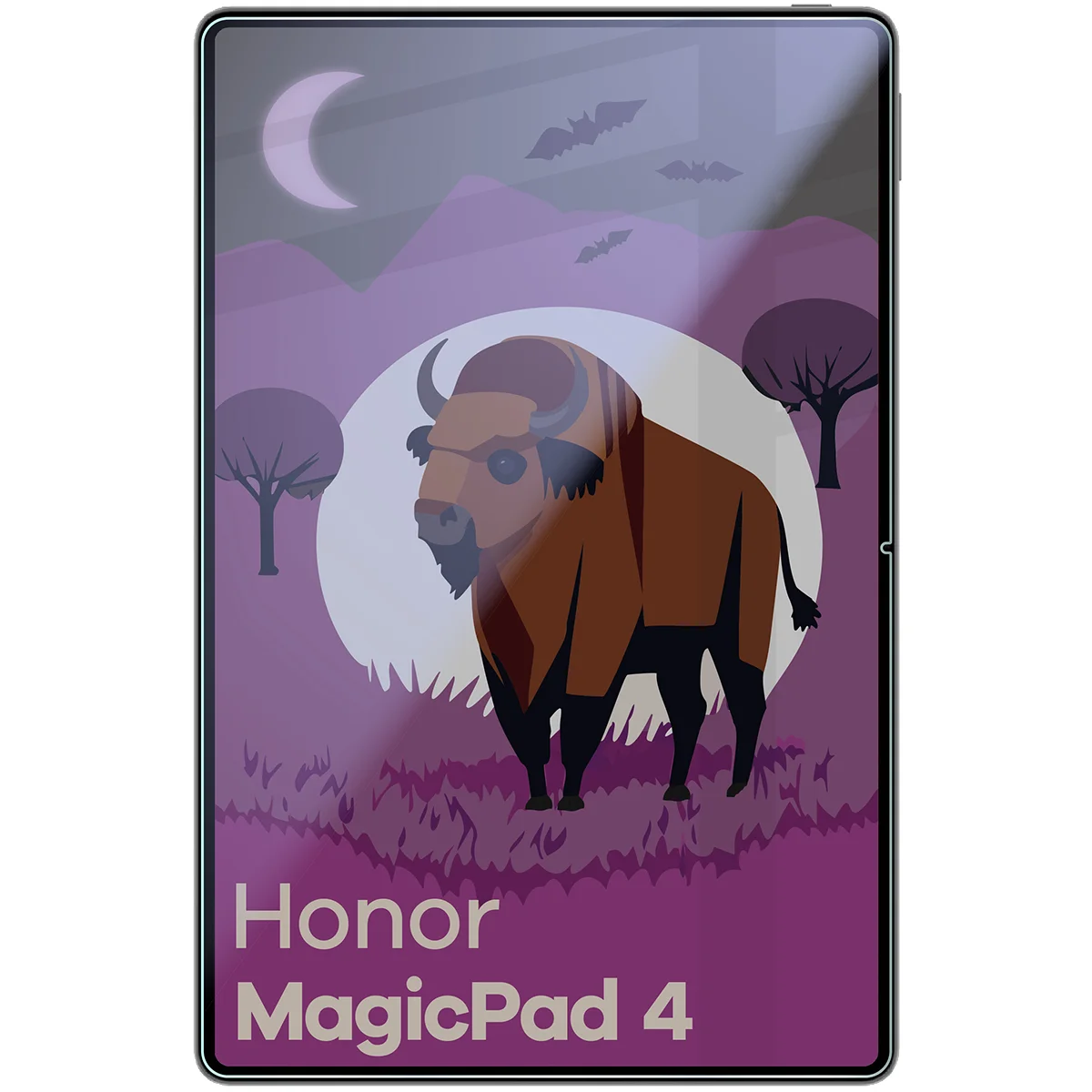
Honor MagicPad 4
Hybrid Glass for Honor MagicPad 4
Your screen, your business!
Bison Tab Hybrid Shadow – a hybrid that combines the strength of mud, the cunning of shadow, and the discretion of a ninja. This innovative hybrid glass will protect your tablet's display from scratches, dirt, and… curious glances. Plus, in a matte finish! Say hello to protection that works even in bright sunlight, and tell nosy passengers "goodbye"!
- Color: slightly tinted
- Glass hardness: 6H
- Thickness: 0.25 mm
- Resistant to dirt, scratches, and prying eyes
- Flexible construction – does not shatter or crack
- Matte finish reducing glare
- Oleophobic coating minimizing the visibility of fingerprints
- Reinforced privacy filter
- Viewing angle: 28°
- Allows only 60% of light
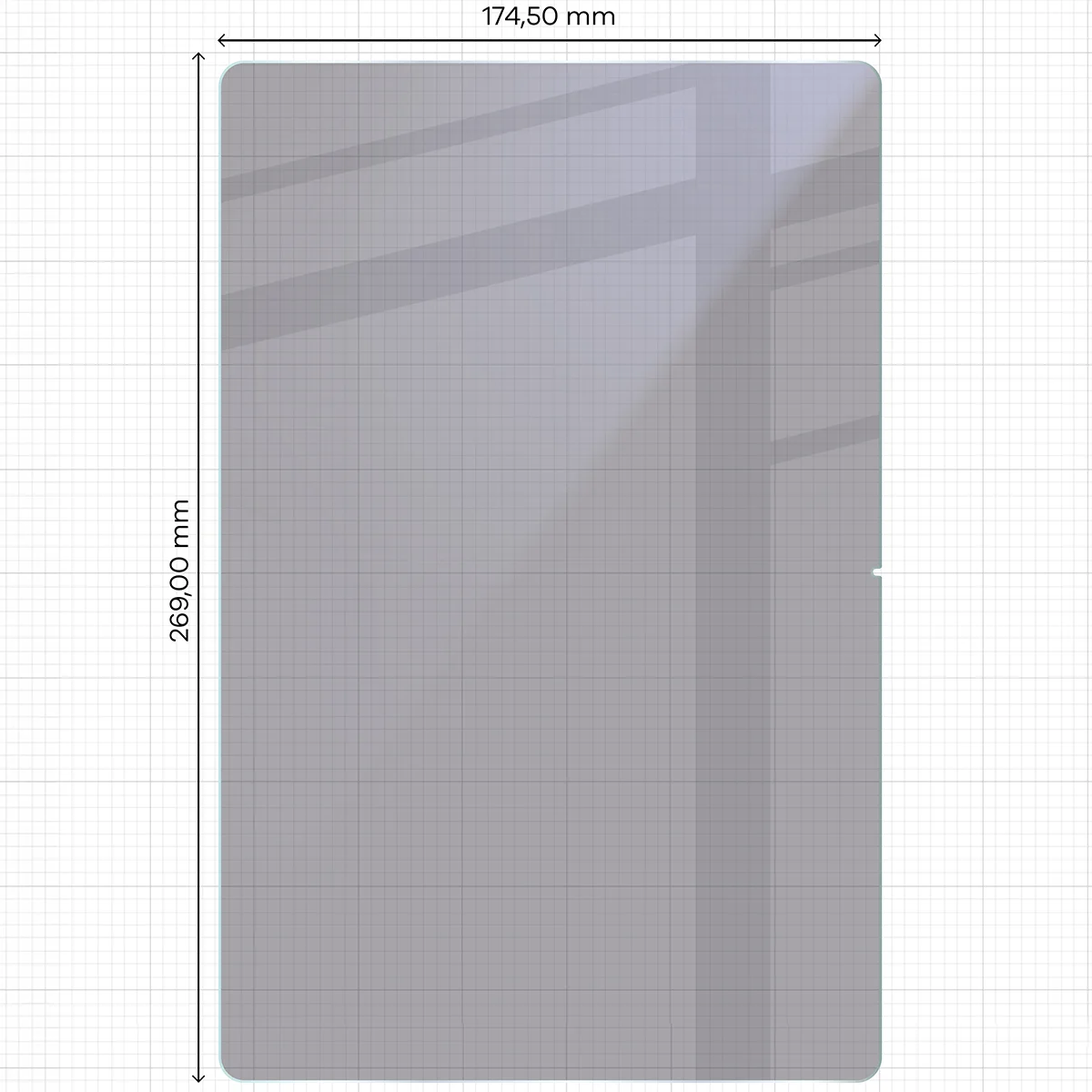
Glass Dimensions
For even better device protection, it is recommended to use the glass along with a case. Before putting on the case, make sure that the glass will be compatible with it:
- the dimensions of the glass must be smaller than the internal dimensions of the case
- the case must not overlap the glass
Glass dimensions: 26.90 x 17.45 cm
(length – width)
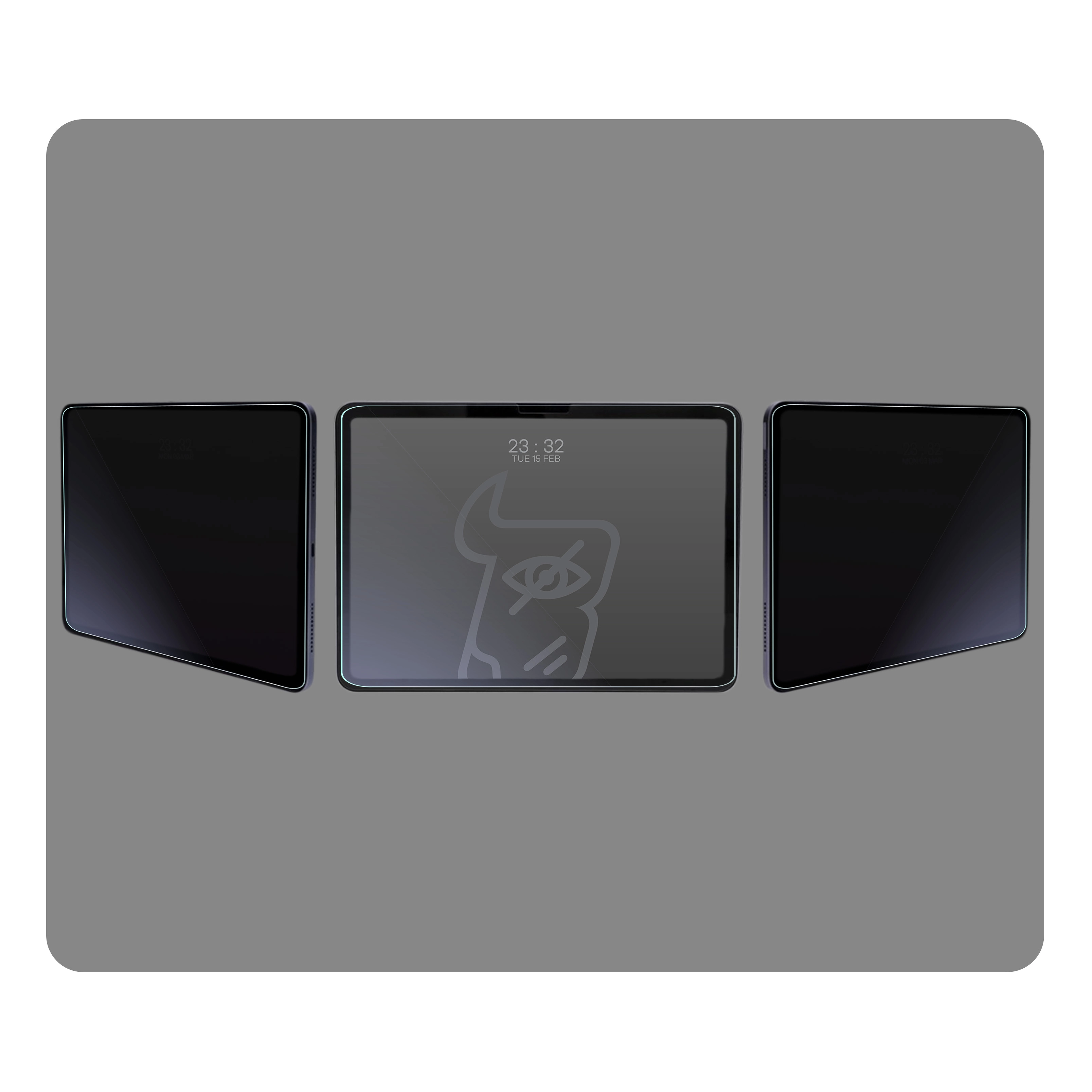
28° Privacy Filter
Crowded bus, a crowd of strangers. You feel someone's gaze lingering on your screen. But... curiosity ends where Tab Hybrid Shadow begins. A special layer limits the viewing angle to 28°, which means that anyone looking at your phone from the side* will see… well, nothing. Zero stress, full freedom in public places.
Remember: the privacy filter works like tinted glass – it protects against prying eyes, but may slightly reduce screen brightness. If necessary, just increase the backlight. It may also limit the functionality of the fingerprint reader.
* Tinting works only when using the tablet horizontally.
Matte Glass for Tablet = Screen Without Marks and Reflections
Who among us doesn't know this sight? A screen full of greasy marks and reflected light (1) – Tab Hybrid Shadow (2) says a firm "No!" to that.
The matte coating makes using the tablet simply more enjoyable. The screen does not reflect light, minimizes fingerprints, and still operates smoothly. It's a difference that really makes an impact!
You unlock and go – even in bright sunlight.
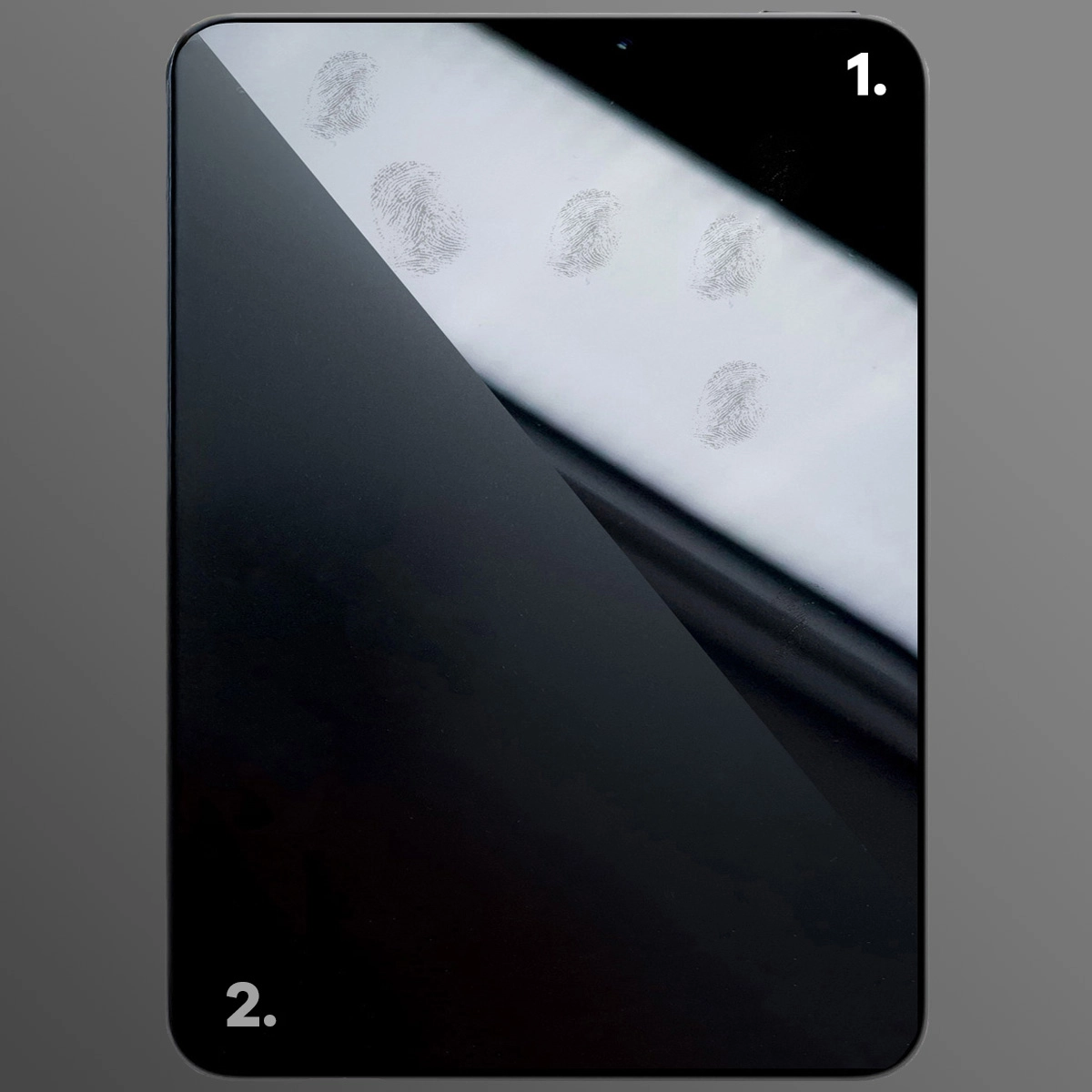
Illustrative photo showing the comparison of matte glass effect and standard glass
Durable Hybrid for Tablet
Although Tab Hybrid Shadow is only 0.25 mm thick, its hardness level of 6H effectively protects the screen from scratches. This combination gives a sense of security without compromising on appearance. The flexible hybrid does not crack or shatter – it’s protection you can count on every day.
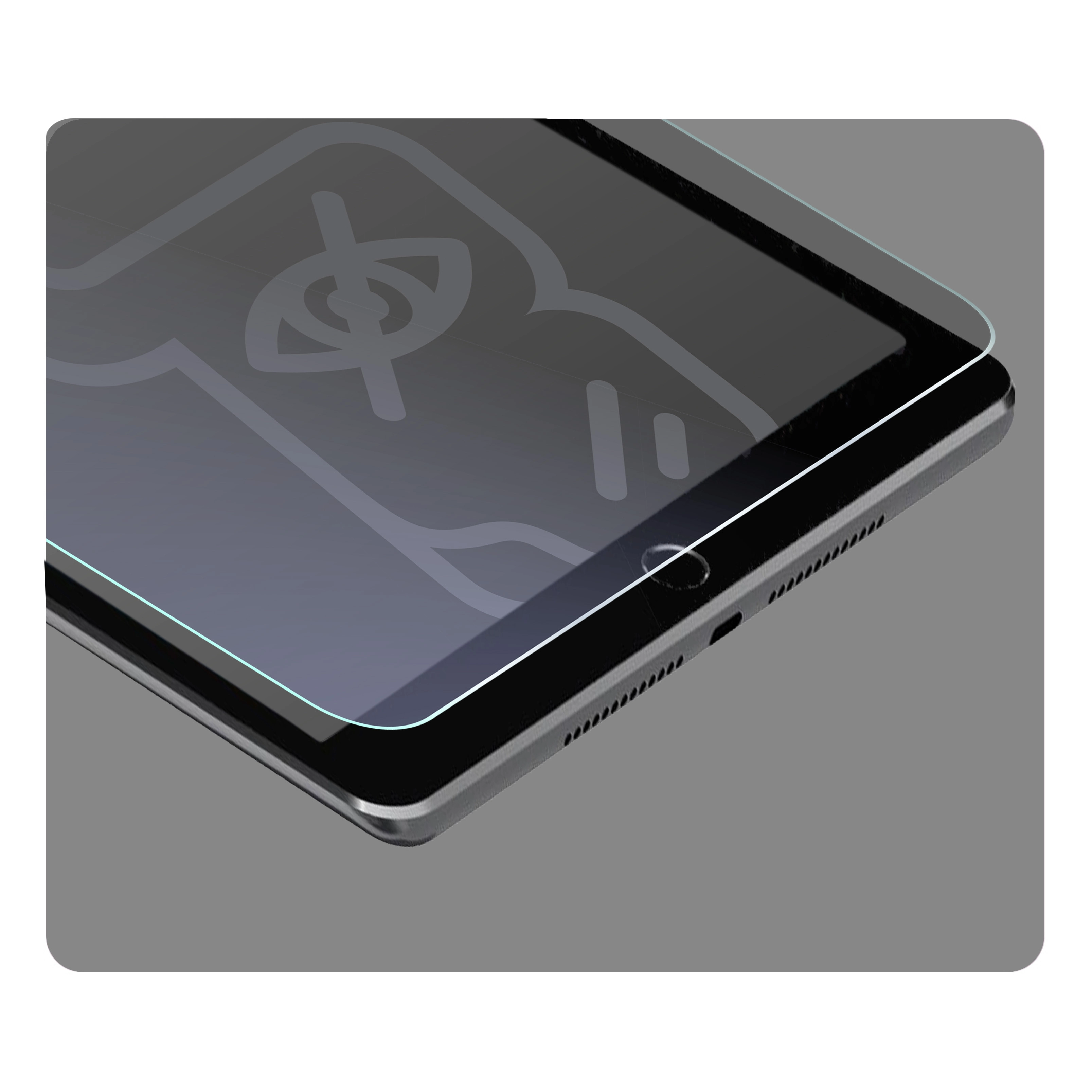
Illustrative photo showing the thickness of the glass
Glass Tailored to Your Tablet
Tab Hybrid Shadow is cut using laser cutting technology, ensuring it perfectly adheres to the flat part of the screen. No protruding edges, no air bubbles – just a smooth, aesthetic surface protecting your screen.
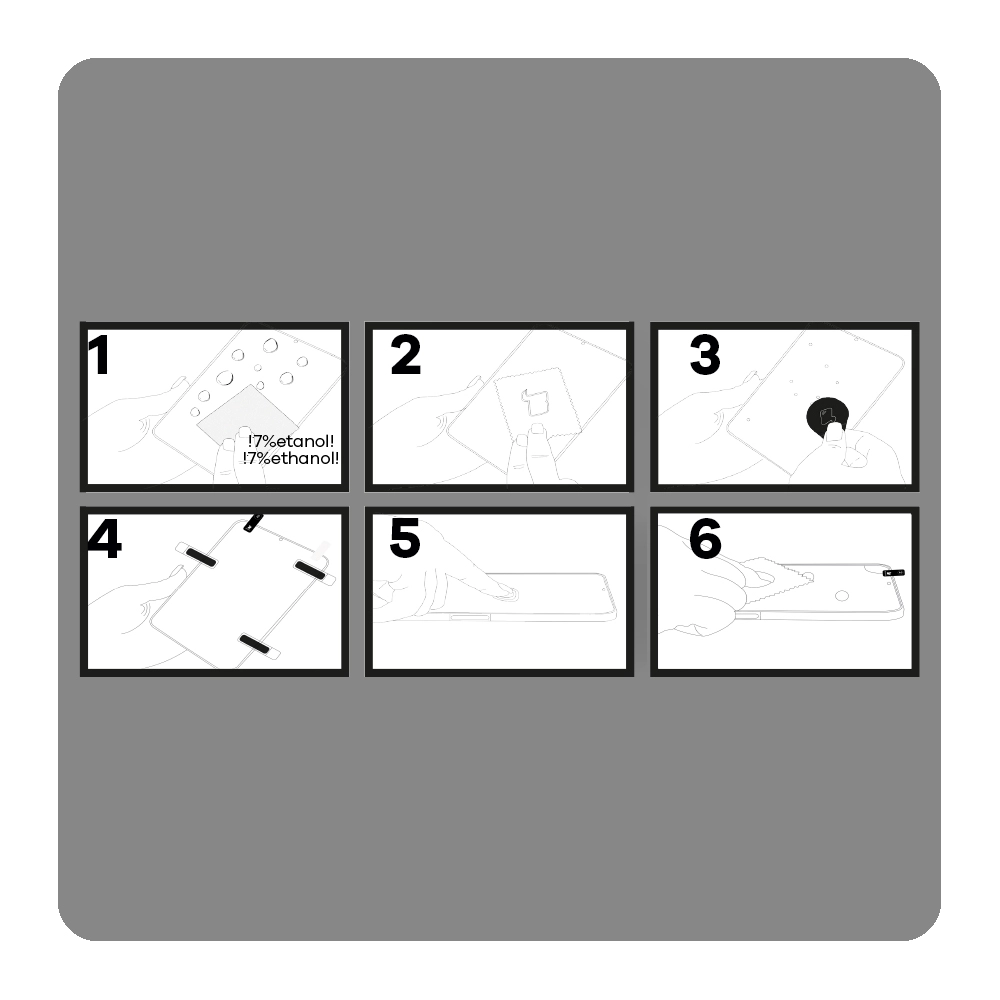
How to Install Bison Tab Hybrid Shadow Glass? Easy!
Before you start, check if the glass fits your tablet model – this is the best guarantee of a perfect effect. Prepare a well-lit area and get to work:
- Clean
Wipe the screen with a damp cloth to remove greasy stains and dust. - Polish
Thoroughly wipe the screen with a dry microfiber cloth, ensuring the surface is dry and streak-free. - Fix
Take a round sticker (Dust Absorber) and stick it pointwise in places where small dust particles have appeared. - Apply
Remove the protective film marked with number 1 and apply the glass to the screen. Align the position – for easier alignment, you can use positioning stickers. - Press
Gently press in the center of the glass so that it can adhere evenly to the display. - Smooth
Push out any air bubbles by moving the microfiber cloth towards the nearest edge. Pull the sticker number 2 to remove the top protective layer.
Done – glass installed, screen protected!
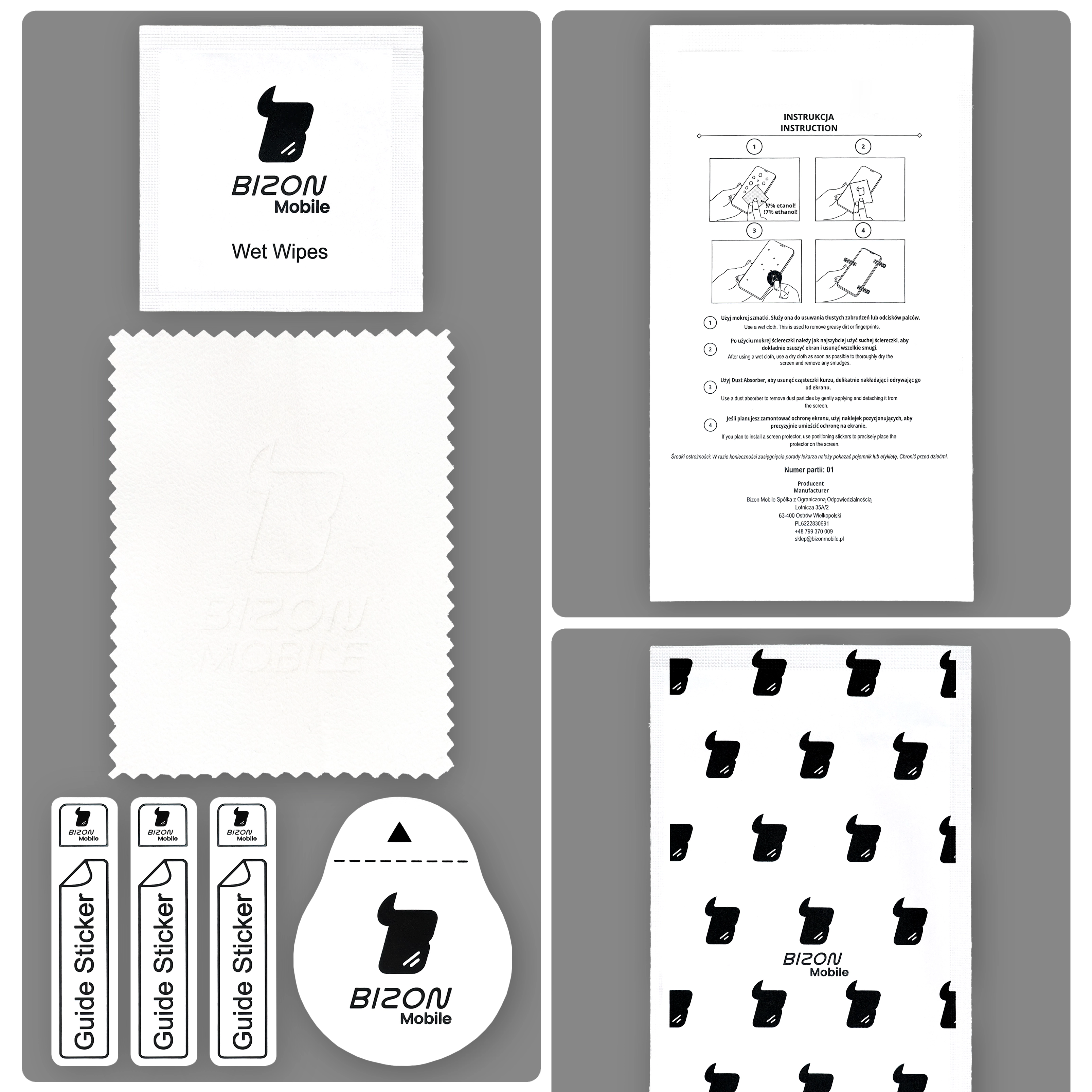
Eco-Friendly Packaging Contents
In addition to one piece of hybrid glass, you will also receive a complete application set, which includes:
- 1 dry microfiber cloth
- 1 damp cloth for effective screen cleaning
- 3 positioning stickers for precise application
- 1 round sticker for removing dust particles (Dust Absorber)
Everything will be delivered to you in eco-friendly packaging, containing only minimal amounts of plastic!
Other color / pattern


Description
Bison Tab Hybrid Shadow Privacy Glass
Honor MagicPad 4
Hybrid Glass for Honor MagicPad 4
Your screen, your business!
Bison Tab Hybrid Shadow – a hybrid that combines the strength of mud, the cunning of shadow, and the discretion of a ninja. This innovative hybrid glass will protect your tablet's display from scratches, dirt, and… curious glances. Plus, in a matte finish! Say hello to protection that works even in bright sunlight, and tell nosy passengers "goodbye"!
- Color: slightly tinted
- Glass hardness: 6H
- Thickness: 0.25 mm
- Resistant to dirt, scratches, and prying eyes
- Flexible construction – does not shatter or crack
- Matte finish reducing glare
- Oleophobic coating minimizing the visibility of fingerprints
- Reinforced privacy filter
- Viewing angle: 28°
- Allows only 60% of light
Glass Dimensions
For even better device protection, it is recommended to use the glass along with a case. Before putting on the case, make sure that the glass will be compatible with it:
- the dimensions of the glass must be smaller than the internal dimensions of the case
- the case must not overlap the glass
Glass dimensions: 26.90 x 17.45 cm
(length – width)
28° Privacy Filter
Crowded bus, a crowd of strangers. You feel someone's gaze lingering on your screen. But... curiosity ends where Tab Hybrid Shadow begins. A special layer limits the viewing angle to 28°, which means that anyone looking at your phone from the side* will see… well, nothing. Zero stress, full freedom in public places.
Remember: the privacy filter works like tinted glass – it protects against prying eyes, but may slightly reduce screen brightness. If necessary, just increase the backlight. It may also limit the functionality of the fingerprint reader.
* Tinting works only when using the tablet horizontally.
Matte Glass for Tablet = Screen Without Marks and Reflections
Who among us doesn't know this sight? A screen full of greasy marks and reflected light (1) – Tab Hybrid Shadow (2) says a firm "No!" to that.
The matte coating makes using the tablet simply more enjoyable. The screen does not reflect light, minimizes fingerprints, and still operates smoothly. It's a difference that really makes an impact!
You unlock and go – even in bright sunlight.
Illustrative photo showing the comparison of matte glass effect and standard glass
Durable Hybrid for Tablet
Although Tab Hybrid Shadow is only 0.25 mm thick, its hardness level of 6H effectively protects the screen from scratches. This combination gives a sense of security without compromising on appearance. The flexible hybrid does not crack or shatter – it’s protection you can count on every day.
Illustrative photo showing the thickness of the glass
Glass Tailored to Your Tablet
Tab Hybrid Shadow is cut using laser cutting technology, ensuring it perfectly adheres to the flat part of the screen. No protruding edges, no air bubbles – just a smooth, aesthetic surface protecting your screen.
How to Install Bison Tab Hybrid Shadow Glass? Easy!
Before you start, check if the glass fits your tablet model – this is the best guarantee of a perfect effect. Prepare a well-lit area and get to work:
- Clean
Wipe the screen with a damp cloth to remove greasy stains and dust. - Polish
Thoroughly wipe the screen with a dry microfiber cloth, ensuring the surface is dry and streak-free. - Fix
Take a round sticker (Dust Absorber) and stick it pointwise in places where small dust particles have appeared. - Apply
Remove the protective film marked with number 1 and apply the glass to the screen. Align the position – for easier alignment, you can use positioning stickers. - Press
Gently press in the center of the glass so that it can adhere evenly to the display. - Smooth
Push out any air bubbles by moving the microfiber cloth towards the nearest edge. Pull the sticker number 2 to remove the top protective layer.
Done – glass installed, screen protected!
Eco-Friendly Packaging Contents
In addition to one piece of hybrid glass, you will also receive a complete application set, which includes:
- 1 dry microfiber cloth
- 1 damp cloth for effective screen cleaning
- 3 positioning stickers for precise application
- 1 round sticker for removing dust particles (Dust Absorber)
Everything will be delivered to you in eco-friendly packaging, containing only minimal amounts of plastic!


